






INTEGRATION GUIDE · SYLVAC BLUETOOTH DEVELOPER TOOLS
What if your measuring instruments could communicate directly with the software your company has developed?
Many manufacturers rely on their own quality management systems, production applications or specialised software. These solutions are often designed around processes and requirements that standard software cannot always accommodate.
With Sylvac’s free Bluetooth development tools, companies can connect compatible measuring instruments to their own applications without building the entire instrument communication layer from scratch.
Whether you are developing an in-house quality application, a production system or a specialised inspection workflow, Sylvac provides libraries and documentation to support customised integration.
Why integrate measuring instruments into your own software?
Ready-to-use software meets many measurement needs. But organisations with specific technical requirements and in-house development resources may prefer full control of the application.
01
Keep your existing systems
Integrate measurement data into the applications your organisation already uses.
02
Tailor every workflow
Design inspection steps, operator interfaces, validations and reports for your processes.
03
Reduce manual input
Receive measurements directly in your software and help avoid transcription errors.
04
Stay in control
Decide how measurements are displayed, processed, stored and connected to other systems.
What is the Sylvac Bluetooth SDK?
A Software Development Kit (SDK) provides libraries, documentation and examples that developers can use to create their own applications. Sylvac’s free Bluetooth developer resources help developers communicate with compatible Sylvac measuring instruments.
Sylvac provides a foundation for instrument communication. Your development team builds the application your business needs.
Depending on the selected interface, development tools allow applications to:
- Discover compatible instruments nearby.
- Connect to one or several supported instruments.
- Receive measurements in real time or when the operator sends a reading.
- Exchange supported commands with connected instruments.
- Use captured values within custom inspection or production workflows.
How does Bluetooth integration work?
With a dongle-based integration, a Sylvac instrument sends measurement data wirelessly to a compatible Sylvac USB dongle. The application communicates through the Sylvac development library and decides what to do with the results.
Example integration architecture
Sylvac instrument
Bluetooth measurement
USB dongle + SDK
Communication interface
Your software
Custom application logic
Illustrative flow for a supported Sylvac dongle-based integration.
Example: an in-house quality control application
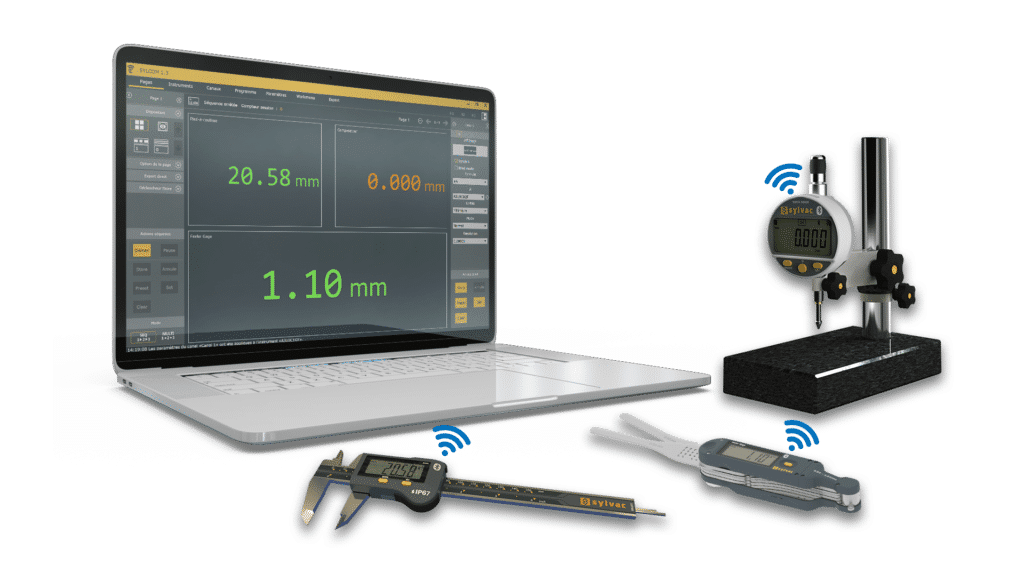
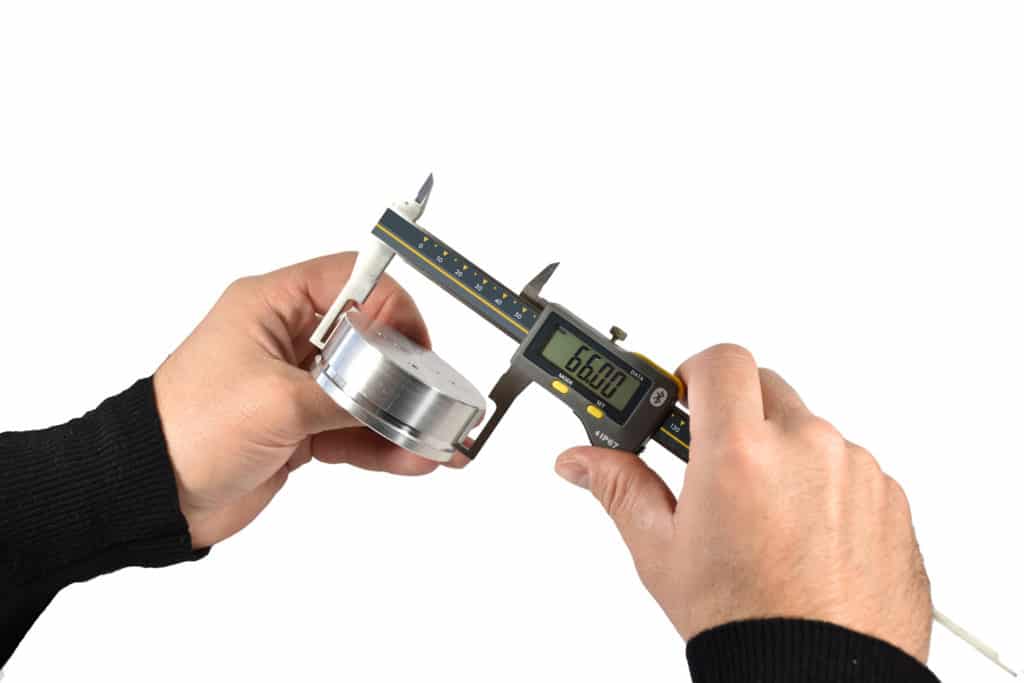
During inspection, an operator measures a component with a compatible Sylvac Bluetooth digital caliper. The value is received by the company’s application, which can then associate it with a batch, compare it with defined tolerances or save it to an inspection record—according to functions developed by the customer.
Developer resources and supported platforms
C# / .NET — Windows
Sylvac provides a Windows development library and example application for communication through compatible USB dongles. Consult the repository for the latest version and release status.
Native Bluetooth — other platforms
Published Bluetooth GATT profile documentation supports native integrations using appropriate Bluetooth APIs on platforms such as Android, iOS, macOS, Linux and Windows. Platform-specific implementation and testing are required.
Additional and upcoming resources
Legacy resources and ongoing library work are documented on GitHub. For information on the availability of Rust and Python resources, please refer to the latest updates in the GitHub repository
Compatible Sylvac Bluetooth dongles
For dongle-based applications, the USB adapter provides the wireless interface between the measuring instruments and the software.
| Reference | Description | Instrument connections |
|---|---|---|
| 981-7102 | Bluetooth 5 SMART dongle, extended range | Up to 16 |
| 981-7103 | Bluetooth 5 SMART dongle, external antenna | Up to 16 |
| 981-7100 | Bluetooth 4 dongle | Up to 8 |
Choose the device based on the number of instruments, installation conditions and supported integration environment. Verify hardware and software compatibility before deployment.
SDK, Vmux2 or Sylcom: which should you choose?
Custom development is not always necessary. Sylvac offers different routes to measurement acquisition and connectivity.
Ready-to-use measurement software
Collect, manage and analyse measurement data within Sylvac’s dedicated software environment.
Transfer to third-party software
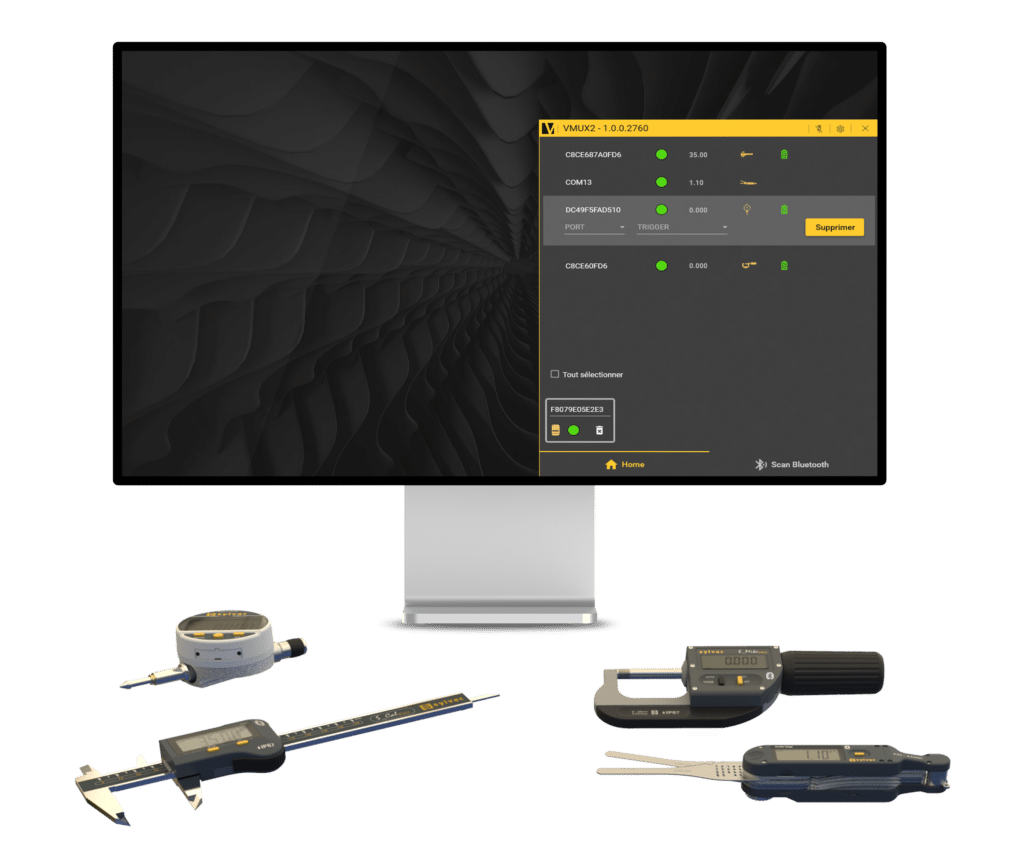
Send measurement values to compatible existing applications through supported interfaces, with limited custom development.
Bluetooth SDK
Fully tailored development
Build and maintain custom applications using Sylvac’s developer libraries and Bluetooth documentation.
For many standard requirements, Sylcom or Vmux2 may be the fastest path. The SDK is particularly relevant when a business wants to design its own application and instrument communication workflow.
Where can custom integration add value?
In-house quality control
Capture readings directly in a proprietary inspection application while retaining existing workflows.
Specialised production
Associate measurements with work orders, serial numbers or batches in a bespoke production process.
Tailored operator interfaces
Build simple task-specific screens, measurement sequences and validation logic.
Connected business systems
Pass measurements into wider production and traceability systems using custom application logic.
These scenarios are illustrative; the software functionality must be implemented by the customer.
Getting started with Sylvac Developer Tools
- Define your requirements: instruments, simultaneous connections, data flow and host platform.
- Select an integration method: dongle-based development library or native Bluetooth implementation.
- Review the documentation: check examples, library maturity, supported versions and profiles on GitHub.
- Build a proof of concept: test communication with a compatible instrument in the intended environment.
- Develop and validate: integrate measurements into your workflow and test the complete solution.
Frequently asked questions
Yes. Sylvac provides libraries and Bluetooth communication documentation that developers can use to integrate compatible instruments into custom applications. Integration and validation depend on the chosen environment.
Yes, Sylvac’s Bluetooth development resources are freely available on GitHub. Measuring instruments and USB dongles are separate hardware products.
No. An SDK-based custom application is a separate integration route and does not require a Sylcom or Vmux2 licence for that SDK integration.
Vmux2 transfers values to compatible third-party applications through supported interfaces. The SDK supplies building blocks for developers to implement their own instrument communication and application behaviour.
Sylvac’s Bluetooth GATT documentation can support native platform development. The target application must implement and test the relevant Bluetooth functionality.
Supported Bluetooth 5 dongles allow up to 16 simultaneous instrument connections, while the Bluetooth 4 dongle allows up to 8, subject to the supported environment.
Yes, custom SDK integration requires development skills. For simpler data collection or transfer needs, evaluate Sylcom or Vmux2 first.
Start building
Your software. Your requirements. Sylvac precision.
Use Sylvac’s free developer resources to explore customised instrument connectivity—and keep your own application in control of the workflow.
Need help choosing an approach? Contact your Sylvac representative to discuss your integration requirements.